WorldGuard protects parts of your world from change: the spawn stays as it is, the town hall does not get mined away, and PvP only applies inside the arena. You define regions, give them members and set flags that control behaviour inside the region. This guide goes from the first protected area to the flags survival servers need most. The screenshots come from a test server running Paper 1.21.4, WorldGuard 7.0.12 and WorldEdit 7.3.9.
Requirements
WorldGuard needs WorldEdit for selections. The world protection assistant in the panel installs both together with LuckPerms; alternatively you take them individually from Plugins → Browser. After the restart /wg version confirms the installation.
Region commands belong in a moderation group. The node worldguard.region.* covers them; regular players do not need it. How groups work is covered in LuckPerms: permissions setup.
Creating the first region
- Select the area with the WorldEdit axe (
//wand) or with//pos1and//pos2. - Extend the selection to full height:
//expand vert. Otherwise the region only protects the selected layers. - Create the region:
/rg define spawn.
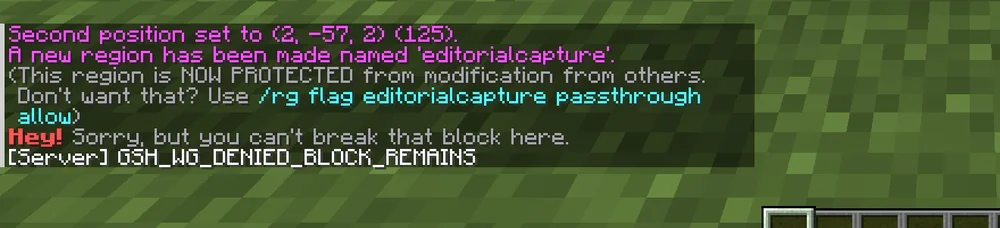
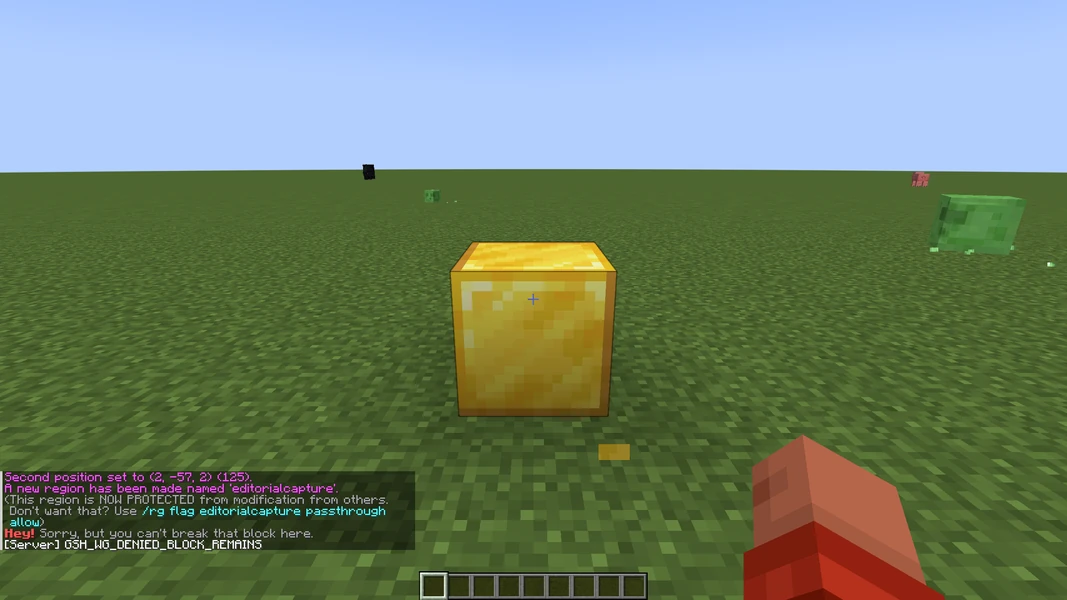
WorldGuard confirms in chat that the region is now protected from modification by others and immediately suggests the passthrough flag in case you did not want that. Anyone who now breaks a block inside the region gets the message "Hey! Sorry, but you can't break that block here." and the block stays.
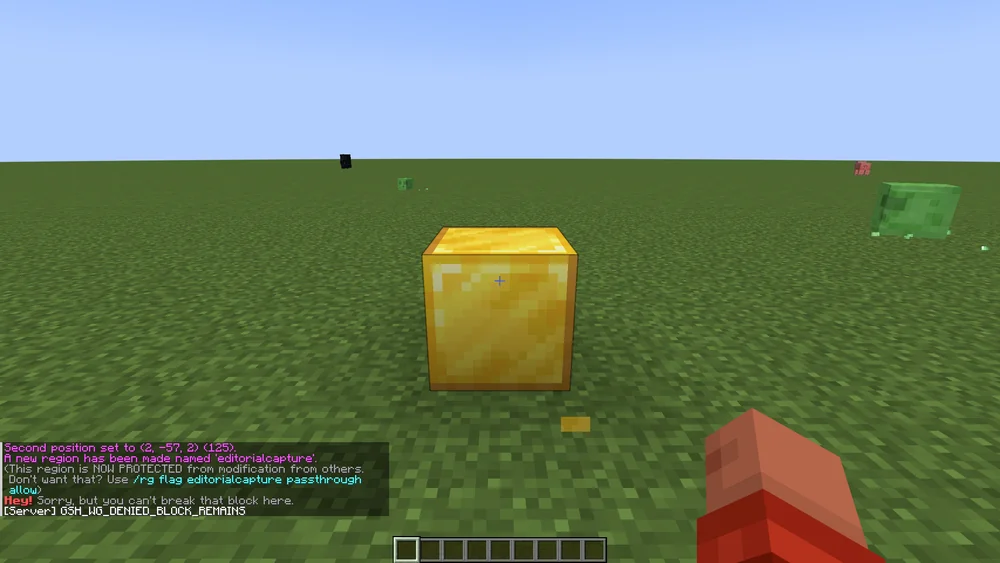
The region applies immediately, without a restart. /rg info spawn shows corners, members and flags. /rg list names all regions of the current world.
Members and owners
A region without members is locked for everyone who does not carry the bypass permission. With /rg addmember spawn PlayerName that player may build inside the region; /rg addowner spawn PlayerName may additionally manage members. LuckPerms groups work with the prefix g:, for example /rg addmember townhall g:builders.
Operators bypass the protection by default. If you do not want that, set worldguard.region.bypass.* to false for your own group in LuckPerms.
Flags that matter on survival servers
Flags control what happens inside a region. The most used ones:
/rg flag spawn pvp deny
/rg flag spawn mob-spawning deny
/rg flag spawn greeting Welcome to spawn!
/rg flag arena pvp allow
/rg flag __global__ creeper-explosion deny
__global__ is the invisible region that covers the whole world. A flag there applies everywhere no more specific region says otherwise. Regions can overlap; then priority decides (/rg setpriority arena 10) and the higher number wins.
For beginner areas invincible, fall-damage and hunger are useful; for farms mob-damage and entry. The full list is in the WorldGuard documentation.
Common mistakes
- The region protects only one slice. The selection was not extended to full height with
//expand vert. - Players can still build. They are operators or have
worldguard.region.bypass.*. - A flag has no effect. An overlapping region with higher priority overrides it.
/rg infoinside the region shows which one applies. - Messages in the wrong language. WorldGuard ships its own texts; they cannot be translated in
plugins/WorldGuard/config.yml, but thegreetingandfarewellflags allow custom texts.
Related guides
Selections with WorldEdit are explained in WorldEdit: build and undo. Homes and warps for players are set up with EssentialsX setup.
Sources
- WorldGuard documentation: https://worldguard.enginehub.org/en/latest/
- Regions: https://worldguard.enginehub.org/en/latest/regions/
- Flag list: https://worldguard.enginehub.org/en/latest/regions/flags/
WorldGuard: view an example
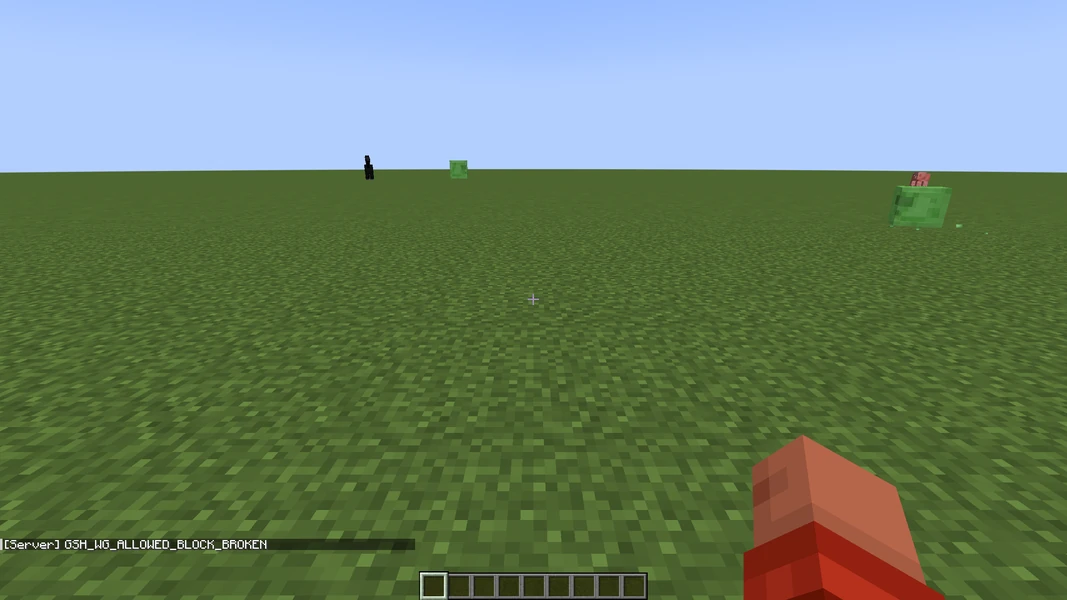
Our own captures from a demonstration environment. The version and setup shown may differ from your server.
WorldGuard 7.0.12 · 2026-09-12
WorldGuard 7.0.12 · 2026-09-12