WorldEdit is the building tool for server administrators: you select an area, fill it with a block, copy it somewhere else or undo everything with a single command. What takes hours by hand, WorldEdit does in seconds. This guide explains selections, the most important commands and the safety nets. The screenshots come from a test server running Paper 1.21.4 with WorldEdit 7.3.9.
Installation and permissions
You find WorldEdit in the panel under Plugins → Browser or in the world protection assistant, which installs it together with WorldGuard and LuckPerms. After the restart /worldedit version answers with the version number.
WorldEdit commands are powerful. Never give them to the default group. In LuckPerms a moderation or builder group receives the node worldedit.*; everyone else stays without it. How to do that is covered in LuckPerms: permissions setup.
Selecting an area
A selection is a cuboid between two corner points. There are three ways to set it:
- Wooden axe:
//wandgives you the wooden axe. Left click sets point 1, right click point 2. - Your own position:
//pos1and//pos2take the block you are standing on. - Coordinates:
//pos1 0,-60,0and//pos2 2,-58,2set the points directly.
The chat confirms every point and, at point 2, reports the size of the selection in blocks. //size shows it again, //sel clears the selection.
Set, replace, undo
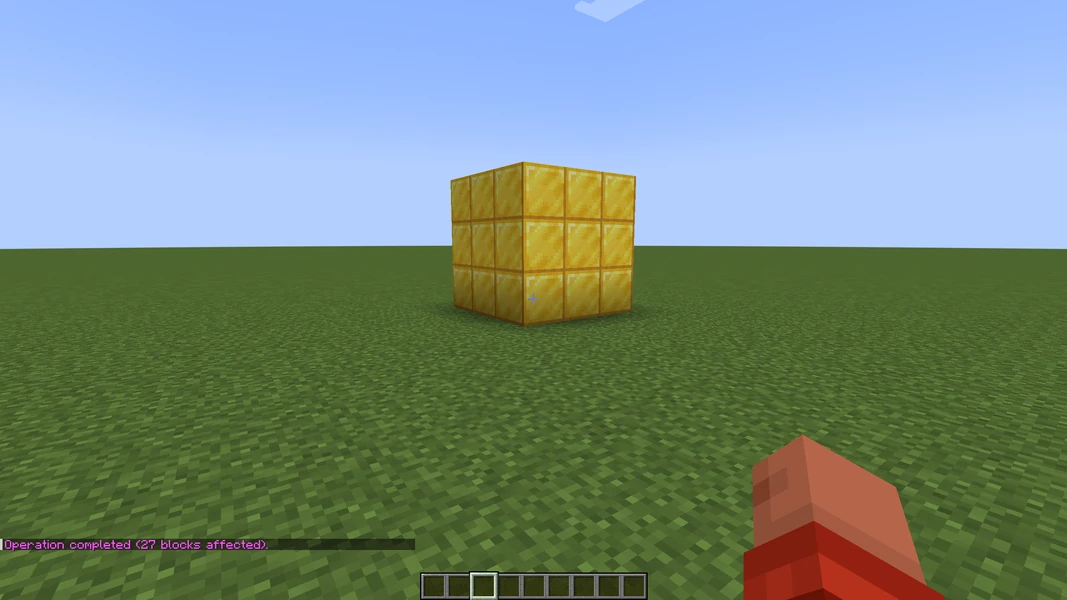
//set gold_block fills the selection with gold blocks. The chat reports how many blocks changed. In the example below it is 27 blocks, a cube of three by three by three.
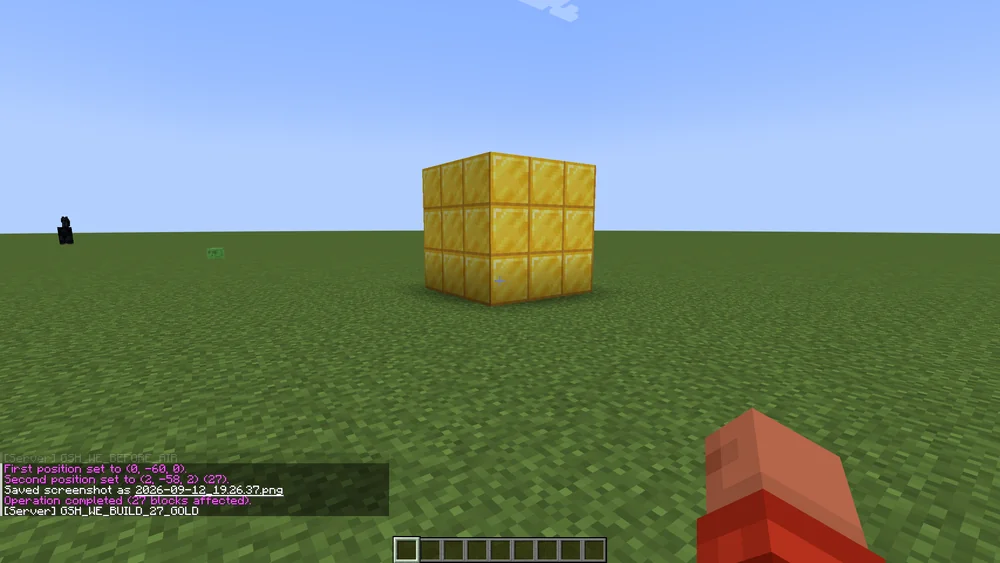
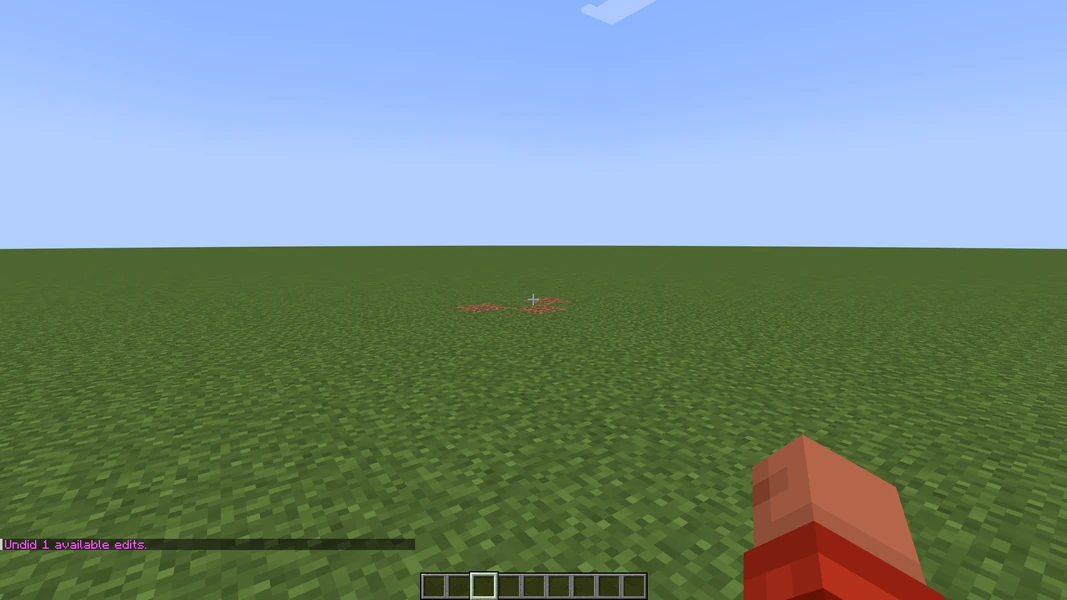
//undo reverts the last step, //redo repeats it. The history depth is set in the configuration (history-size, default 15 steps per player). After a restart the history is empty, so: before you work on a build you care about, take a backup.

More everyday commands:
//replace stone cobblestone
//walls oak_planks
//copy
//paste
//schematic save myhouse
//replace swaps only one block type inside the selection, //walls builds only the outer walls. //copy remembers the selection relative to your position; //paste places it again at your current position. //schematic save writes the clipboard to a file under plugins/WorldEdit/schematics/ so you can paste the build on another server.
Large areas without a crash
Very large selections block the server tick while WorldEdit is working. Two rules help:
- Set a limit.
//limit 50000caps the blocks per operation for yourself; the configuration can enforce a fixed maximum. - Work in stages. A mountain is not removed with one selection but in slices. Test
//undobetween the steps.
If an operation still takes long, Paper logs a long tick time. That is normal and not a plugin error.
Common mistakes
- "You don't have permission." The player lacks the WorldEdit node. Check with
/lp user Name permission check worldedit.region.set. - Command without effect. The selection is empty or points into another world.
//sizeshows the state. - Wrong block name. WorldEdit uses the Minecraft IDs, for example
oak_planks, notplanks. Tab completion helps. //undofinds nothing. The history is per player. You cannot revert what another administrator placed; that is what the backup is for.
Related guides
Regions in which only certain players may build are set up with WorldGuard: protect regions. The general installation of plugins is described in Install and manage plugins.
Sources
- WorldEdit documentation: https://worldedit.enginehub.org/en/latest/
- Command reference: https://worldedit.enginehub.org/en/latest/commands/
- Selections and history: https://worldedit.enginehub.org/en/latest/usage/regions/selections/
WorldEdit: view an example
Our own captures from a demonstration environment. The version and setup shown may differ from your server.
"7.3.9+6959-7adf70b"
"7.3.9+6959-7adf70b"