Tested technical baseline
Create+ is available as a launchable server configuration with NeoForge on Minecraft 1.21.1.
Until Dec 31: 4 GB for €4 a month. On the yearly plan you pay at most €1 per GB of RAM, for Minecraft Java, Minecraft-Modpacks and eight more games.
See the offerPrices are charged in euros. Amounts in USD are approximate, converted at the ECB reference rate of 2026-11-26 (1.0975 USD per euro).
Create+ turns Minecraft into a tech sandbox: with the Create mod you build cogwheel drives, conveyor belts and entire factories — on your own boot-tested server.
Boot-tested · Last tested: .
Server locations: Germany (Falkenstein/Limburg) · France (Roubaix) · United States (Vint Hill).
Want a server closer to you?
This page measures the ping from your browser to each location.
The NeoForge pack (over 650,000 downloads) bundles the Create mod with matching addons and exploration content: mechanical contraptions, logistics and automation without losing the vanilla feel.
Unlike classic tech packs, Create relies on visible mechanics instead of abstract machine blocks: every factory is a structure that spins, stamps and conveys — ideal for tinkering together.
Create rewards engineering: water wheels drive shafts, cogwheels translate force, belts and funnels chain processes — until single machines become a factory that visibly works.
Building together is the real draw: servers grow train lines between bases, shared production halls and ever crazier contraptions — machinery you can touch instead of black-box blocks.
New Create+ servers receive Carry On 2.2.6.13 on the server: in a test with one real client and five test bots, all six connections stayed active through 20 test-bot deaths.
Game, loader and tested preset are preselected and remain adjustable.
NeoForge
Configure a Minecraft serverOur own captures from a demonstration environment. The version and setup shown may differ from your server.
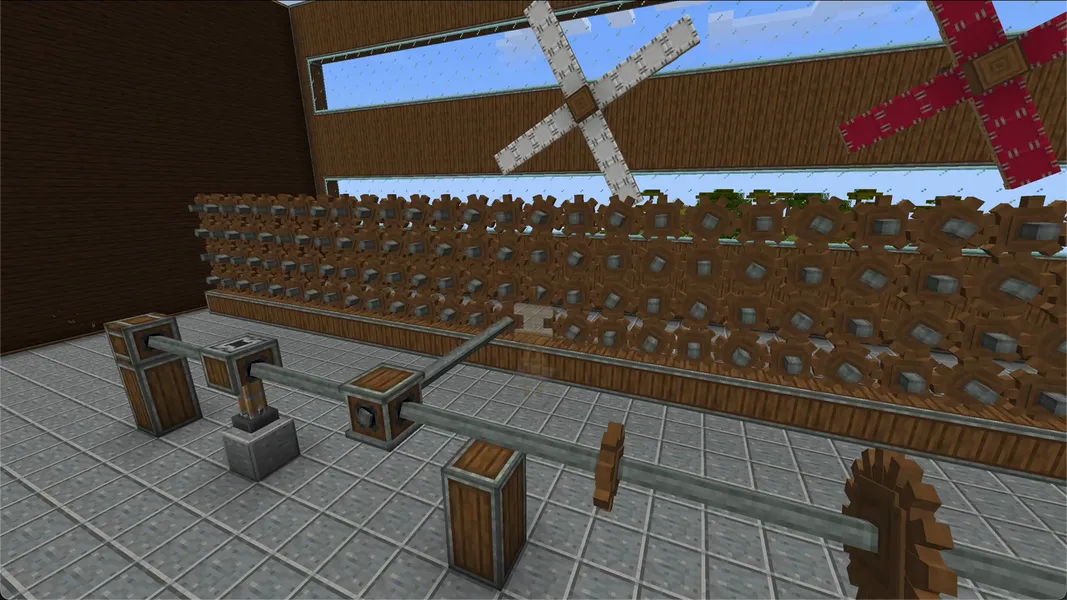
Create+ 6.0.0 Alpha E · Create 6.0.10 · Minecraft 1.21.1 · NeoForge · 2026-09-24
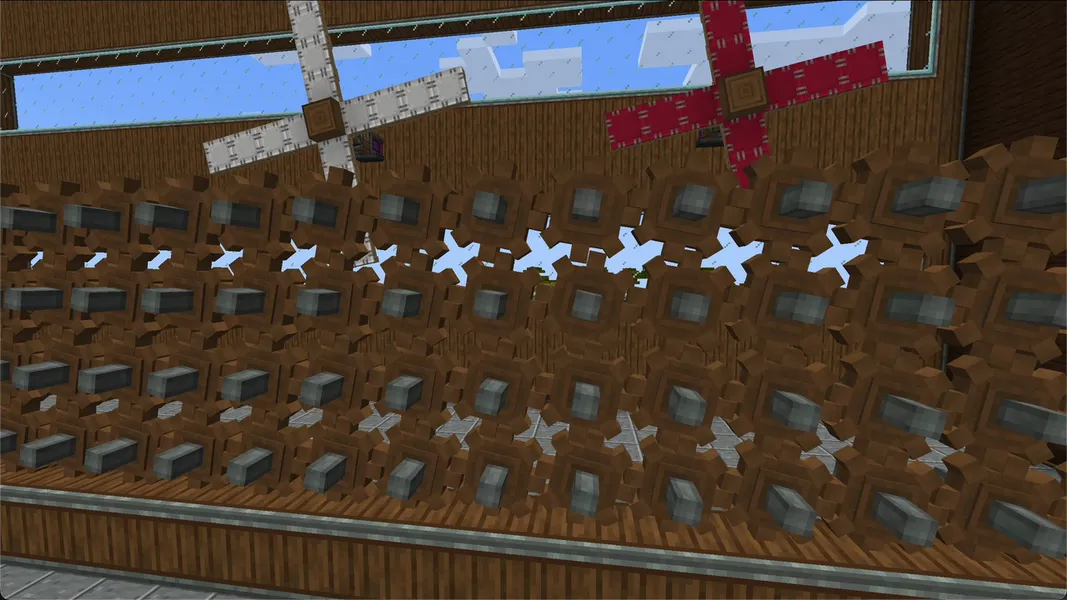
Create+ 6.0.0 Alpha E · Create 6.0.10 · Minecraft 1.21.1 · NeoForge · 2026-09-24
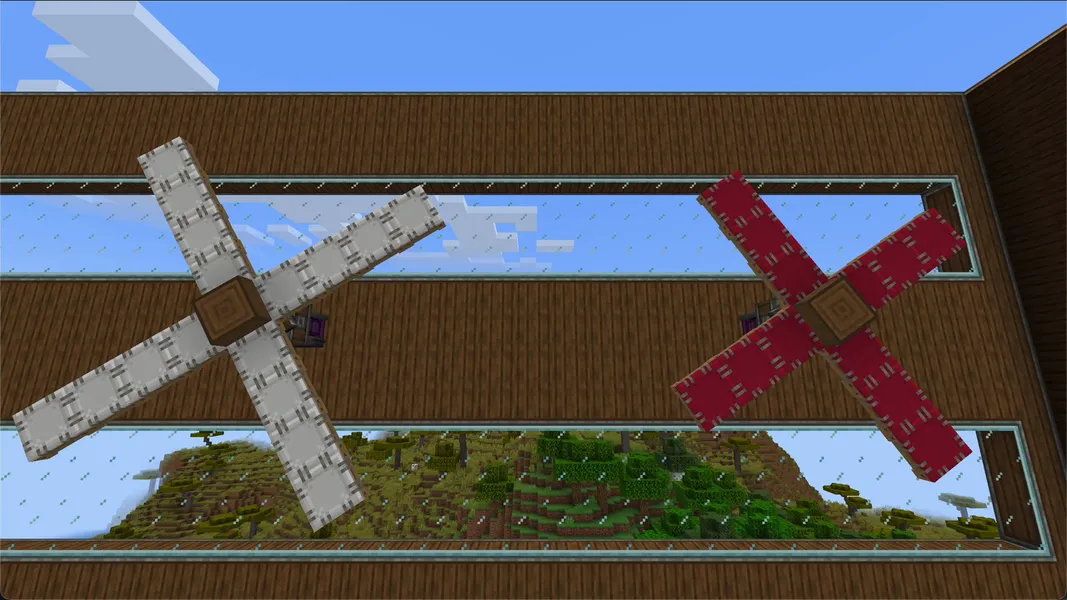
Create+ 6.0.0 Alpha E · Create 6.0.10 · Minecraft 1.21.1 · NeoForge · 2026-09-24
Create+ is available as a launchable server configuration with NeoForge on Minecraft 1.21.1.
We recommend at least 6 GB RAM on Minecraft 1.21.1. Large contraptions and many concurrent machines benefit from more RAM — adjustable in the panel at any time.
Create+ (6.0.0 Alpha E) ships no server.properties of its own; the file comes from us with defaults. We read the values below from our own test server on 20 October 2026 (95 mods, 179 entries under config/).
| File | Key | Value in the pack | Effect |
|---|---|---|---|
config/create-server.toml |
kinetics.disableStress / maxBeltLength / maxRotationSpeed |
false / 20 / 256 | The stress system is on; belts up to 20 blocks, rotation up to 256 RPM. |
config/create-server.toml |
kinetics.contraptions.maxBlocksMoved / survivalContraptionPickup |
2048 / true | Moving contraptions up to 2048 blocks; players may pick up contraptions in survival. Higher values cost CPU. |
config/create-server.toml |
trains.trainsCauseDamage / maxAssemblyLength / trainStats.trainTopSpeed |
true / 128 / 28.0 | Trains hurt players and mobs, may be up to 128 blocks long and travel up to 28 blocks per second. |
config/create-server.toml |
logistics.seatHostileMobs / vaultCapacity |
true / 32 | Hostile mobs use seats; vaults hold 32 stacks per block. |
config/lootr-common.toml |
refresh.refresh_value / decay.decay_value |
24000 / 6000 | Lootr gives every player their own loot in generated chests: refilled after one Minecraft day, opened chests decay after 5 minutes. |
You find every file in the panel's file manager. Create a backup before changing anything, stop the server, save the file and start it again. A pack update may replace pack configuration; check your values afterwards.
You can also edit the Create and Lootr values without the file manager in the panel under Manage → Modpack → Modpack settings.
Cogwheels, shafts and belts visibly drive your builds — hands-on engineering instead of black-box machines.
From the first millstone to a full production line: mining, processing and logistics can be fully automated.
Hand-picked Create addons and companion mods extend the base pack without overloading it.
On your own server you plan and build factories together — without foreign rules or plot limits.
A successful installation, boot or join test applies only to the tested pack version and does not demonstrate stable operation under every player load.
None known
Applies to every package on this page. You choose the package and price in the order wizard.
Every plan includes a CPU limit in vCPU that scales with RAM. An extra core raises it by 1 vCPU – that is 100% additional compute time of one logical processor core. The hardware is shared; it is not an exclusively reserved core.
If you add an extra core during a billing period, you only pay pro rata until it ends, and you can cancel at the end of each period.
Helps if …
Does not help if …
Try these for free first
Available for Minecraft Java (including Paper, Fabric, Forge, NeoForge and modpacks), Folia and Palworld – not for Minecraft Bedrock.
Yes. The wizard preselects the matching loader; modpack pages also load only the verified featured pack.
Yes. Always check compatibility and create a backup before changing versions.
Yes. Every player installs Create+ through a launcher such as the Modrinth App, then connects to your server.
The pack author is actively developing Create+. We boot-test every version we offer on our infrastructure; still, author updates may change content. Create a backup before pack updates.
To get started, 6 GB of RAM is enough. As your factories and contraptions grow, you can increase the RAM at any time in the panel without reinstalling the server.
Processor by location: Germany: AMD Ryzen 7 5800X (Zen 3, up to 4.8 GHz) or AMD Ryzen 9 5900X (Zen 3, up to 4.9 GHz) · France: AMD Ryzen 9 9950X (Zen 5, up to 5.7 GHz) · United States: AMD Ryzen 7 5800X (Zen 3, up to 4.8 GHz). Which of these processors your server gets in Germany is set at order time, based on free capacity; both are Zen 3, boosting up to 4.8 or 4.9 GHz. Per package: 2 GB RAM = 1 vCPU. Cores are shared: several servers run on the same machine, and no core is reserved for you alone. If you need more computing power, add up to 2 extra cores, each +1 vCPU for €2.99 per month. You can choose extra cores right when you order, or add them later in the panel.
10 GB NVMe SSD. Backups do not count towards it. 2 backups included. Schedule from hourly to monthly, retention up to 365 days; you restore and download them yourself in the panel. With Backup+ you get 10 backups for €1.99 per month. 12 months: €23.88 (12 × €1.99).
SFTP access and a file manager in the panel: upload your own saves, worlds and configs. You set the restart schedule yourself in the panel, along with scheduled backups, commands and announcements.
Target: 99.5% monthly average (terms of service). The status page shows the current state. Traffic at no extra cost; every machine is connected at 1 Gbit/s or more. Included at every location: automatic network-level DDoS protection from the data center. Servers on OVH game hardware additionally run behind OVH's game firewall. By ticket and email. Support languages: English, German, Spanish, French, Dutch, Portuguese, Russian. We usually reply within a few hours (median over the last 90 days: 2.1 hours), but we do not guarantee it.
This page has been updated in the meantime. Reload it so everything works correctly.