Tested technical baseline
Cobblemon Official is available as a launchable server configuration with fabric on Minecraft 1.21.1.
Ready-to-launch Minecraft server
Catch, train and battle Pokémon in Minecraft. Cobblemon Official 1.8.1 starts at 6 GB of RAM on our paid plan; the free 2 GB server is too small for this pack.
from €7.79/month
Boot tested · Last tested: .
The free mcfreehost server has 2 GB of RAM. That is enough for vanilla, Paper and small mod collections, but not for Cobblemon: the official pack ships around 75 server mods and already used up to 3,033 MB in our measurement with version 1.7.3. That is why we offer Cobblemon on the paid plan only, and we would rather say so up front than after a failed install.
We install Cobblemon Official 1.8.1 on Minecraft Java 1.21.1 with Fabric Loader 0.19.5. On 23 September 2026 we installed exactly this version on our own test server, started it and joined it with a real Java client. Every player needs the same pack version on their computer, for example through the Modrinth App.
If you are coming from 1.7.3, make a backup before switching: according to the changelog, 1.8 resets all advancements. Cobblemon 1.8 also counts Pokémon density over a smaller area than 1.7 — according to the source code, the same spawn-density value now allows about four times as many Pokémon. That is why we never update existing servers automatically.
The settings live in a single file, config/cobblemon/main.json. You open it in the panel file manager, change values such as spawn density, shiny chance or level cap, and reload it with one command. Our Cobblemon guides explain what each of the 111 settings does, with default value and unit.
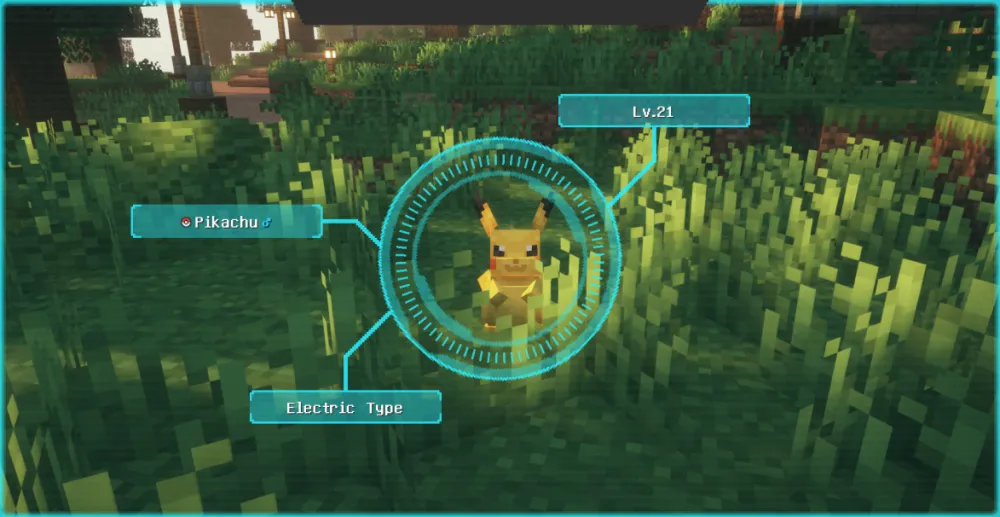
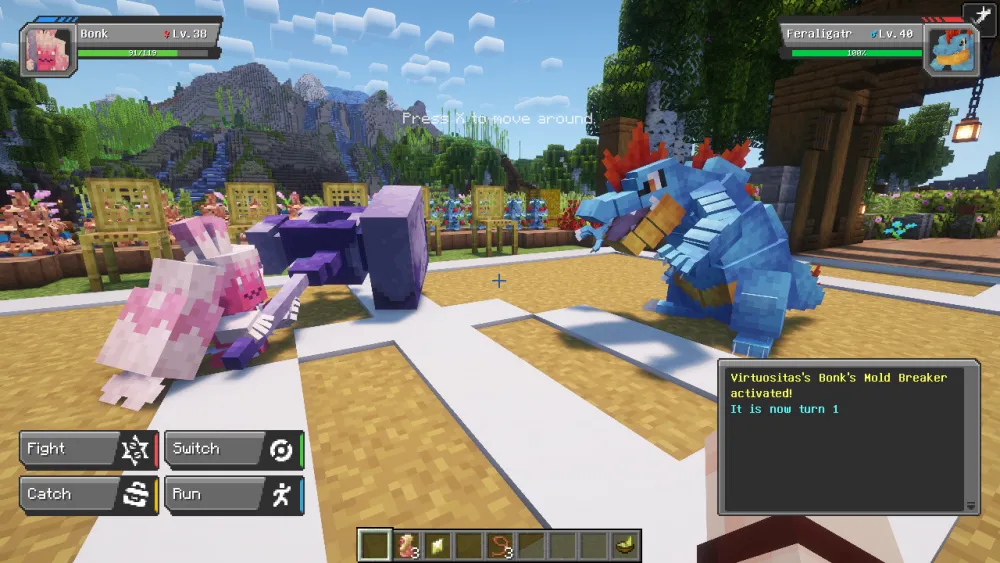
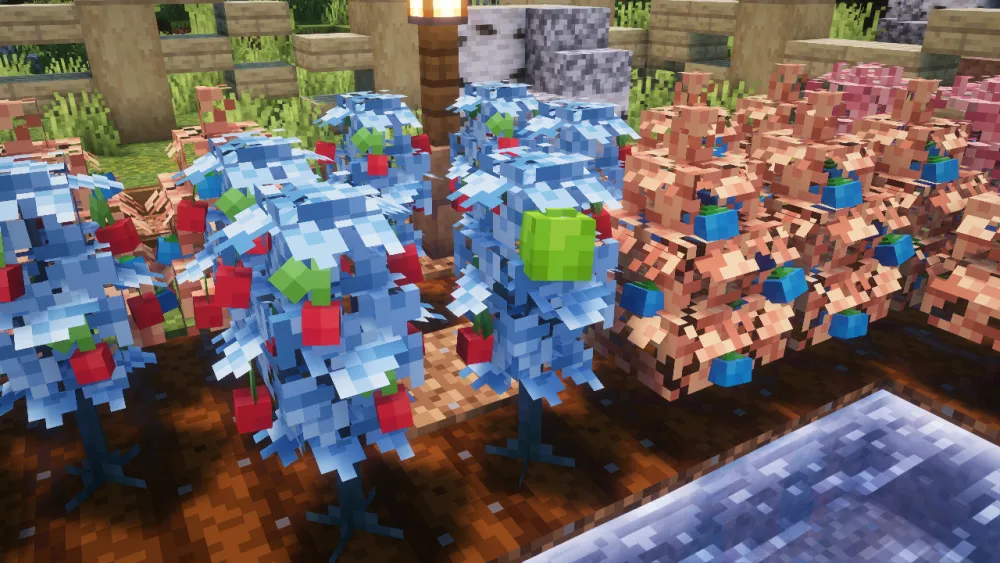

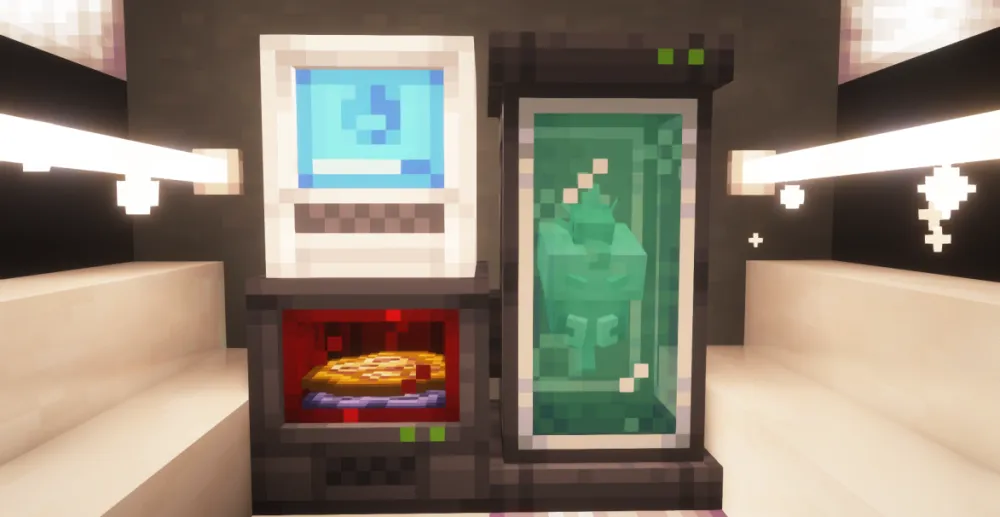
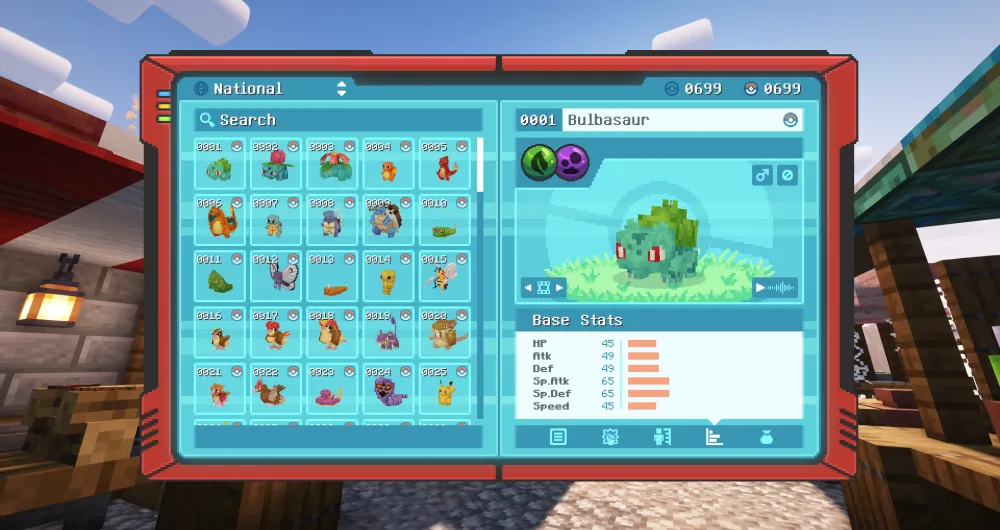
Image source: © Cobblemon-Team, via Modrinth
Game, loader and tested preset are preselected and remain adjustable.
Cobblemon Official is available as a launchable server configuration with fabric on Minecraft 1.21.1.
In our measurement series with Cobblemon Official 1.7.3 (26 August 2026, synthetic world generation, 100 entities) peak memory use was 3,033 MB, with no swap and no out-of-memory kill. 6 GB leaves headroom for growing worlds and several players. A 1.8.1 measurement follows; until then 1.7.3 is the reference value.
These values come from our own measurement series on 26 August 2026 with Cobblemon Official 1.7.3 on Minecraft 1.21.1 and Fabric Loader 0.18.4: three runs with 4 GB and one run with 6 GB, each with 4,225 pre-generated chunks, 100 entities, a 10-minute warm-up and a 30-minute measurement window.
It is a synthetic test, not a player test: it shows how much memory the pack uses during world generation, not how many players a server can carry. TPS and MSPT were not recorded. The 1.8.1 measurement follows; until then these numbers are the historical reference. The data file is in German.
Find the right guide for choosing a pack, joining, configuration, PC permissions, spawns and updates. Start with a shared test session.
Set up your Cobblemon group with the right pack, check the first Java join, and secure your team and world. Based on actual catalog data and honest RAM limits.
Find the right setting for your actual Cobblemon version. The complete reference separates default values, server and client, and file and in-game checks.
Cobblemon Official 1.8.1, Minecraft Java 1.21.1, Fabric Loader 0.19.5 — installed, started and joined with a client on 23 September 2026.
The lean Optimised variant starts with 4 GB. You can add RAM in the panel later without reinstalling the pack.
The free server has 2 GB — not enough for Cobblemon. For trying out Fabric and small mods it remains the right choice.
Cobblemon is a Fabric mod. Bedrock devices such as consoles or phones cannot join the server, not even through Geyser.
A successful installation, startup or join test applies only to the tested version and does not demonstrate stable operation under every player load.
None known
Yes. The wizard preselects the matching loader; modpack pages also load only the verified featured pack.
Yes. Always check compatibility and create a backup before changing versions.
No. The free server has 2 GB of RAM, while Cobblemon needs at least 4 GB (Optimised) or 6 GB (official pack). That is why we offer Cobblemon on the paid plan only. The price is shown above next to the RAM figure and in the configurator before you pay.
Cobblemon Official is the Cobblemon team's pack with all companion mods and needs 6 GB. The Optimised variant is a separately maintained, smaller pack built for server performance and starts with 4 GB. On our servers both are based on Cobblemon 1.8.1 and Minecraft 1.21.1.
Minecraft Java Edition and the same pack in the same version as the server, currently 1.8.1. The easiest way is the Modrinth App; then they enter the server address from the panel. A different version produces an error message when joining.
Only with a backup. According to the changelog, 1.8 resets all advancements, and datapacks written for 1.7 can behave differently. Create a backup in the panel, update the server and every client together, then check joining, your team and the PC. We do not move existing servers to 1.8 automatically.
In config/cobblemon/main.json, which you reach through the panel file manager. After saving, the command cobblemonconfig reload loads the file again. According to the source code, some values such as the spawn interval only apply after players reconnect or the server restarts.
No. Cobblemon is a Java mod for Fabric. Geyser only translates vanilla content for Bedrock, not mod models, menus or battles. For mixed Java and Bedrock groups, a vanilla or Paper server is the better choice.