Bring your existing save
Back up your local world and transfer the matching save file. Use the same game version on server and clients; check mods before importing.
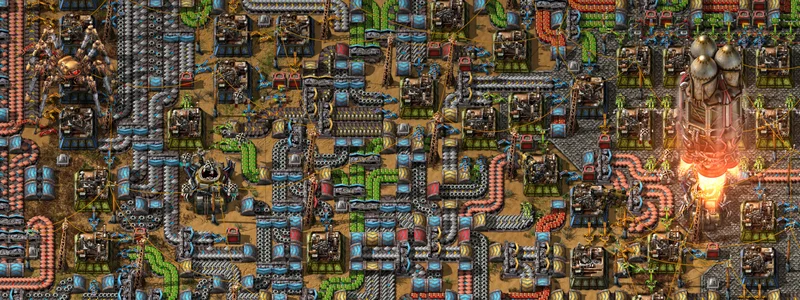
Your shared factory world. Choose resources for a fresh start or for growing factories.
€27.36 per month
Selection: 24 GB RAM · 72 GB storage
Choose RAM, term and server type to your liking.
Satisfactory · Starter: 3 GB RAM from €3.69 per month · Recommended: 12 GB RAM €13.83 per month
Claude Code · Codex
Connect Claude Code or Codex to your server. Ask your assistant to install plugins, adjust settings or investigate startup issues. You choose which servers it can access.
Check my server status. Do not change anything yet.See examples
Integration included at no extra charge. You need a compatible AI assistant; its provider may charge separately.
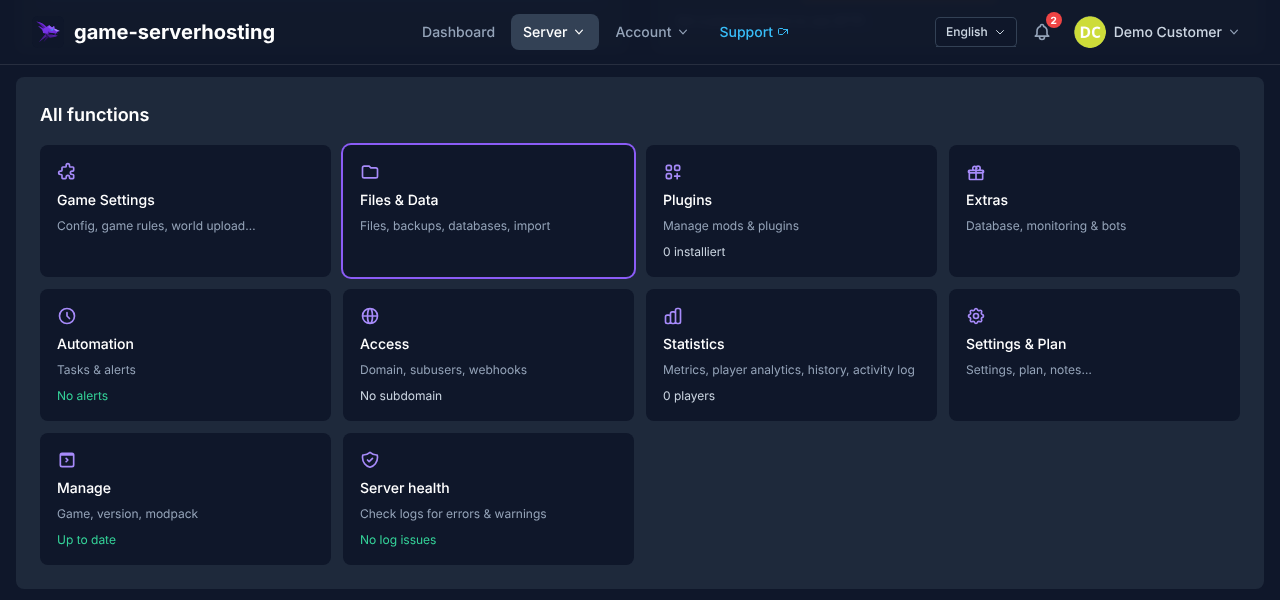
INSIDE THE PANEL
Open file management, backup tools and the mod section from your server panel. Usable mods depend on your game version and dedicated-server support.
Select RAM and billing term. See the final price before purchasing.
Once setup finishes, prepare your save game and settings.
Share the address and port from the panel and connect with a matching game version.
Back up your local world and transfer the matching save file. Use the same game version on server and clients; check mods before importing.
Steam and Epic players can play together. Consoles cannot use this dedicated server; PC and console worlds remain separate.
Not every Satisfactory mod supports dedicated servers. Check server compatibility and dependencies before expanding an existing save game.
Machines, transport routes and mods increase load. Additional RAM alone cannot solve CPU bottlenecks. Choose a configuration for your save game and back it up before making changes.
Game documentation ↗Explore community extensions and check each project's game version and installation method before use.
Shows bottlenecks and efficiency losses in your factory
Base library for many mods — extend recipes & items
New power sources: wind, solar, nuclear, and more
Additional production buildings and solutions
The plugin browser covers supported projects; some recommendations require a different installation method.
This page has been updated in the meantime. Reload it so everything works correctly.