VeinMiner can automatically mine several connected blocks after a starting block is broken. For your small survival group, the key question is: Which chain should be triggered with which tool for which friends? A large default value is not yet a suitable rule for a free server.
This guide refers to MiraculixxT Veinminer 2.x, and on a Paper server to its plugin release. Other projects are also called VeinMiner. The older 1.x datapack uses a different configuration path. So first check the actual project name and the loaded release.
Checked: October 7, 2026. The existing images show an earlier Paper functional test; no new performance test was run for this article.
Agree on Three Rules Before Installing
Decide whether all friends may use the feature or only a specific group of players. Then decide whether sneaking is required and whether only suitable tools are accepted. Only after that do you determine the maximum chain length.
Start with a manageable ore group and a tool with a known starting condition. A 2 GB free server gets no additional computing power from the plugin. Large mining chains and many items lying around can create more work. A small chain here is a suggested precaution, not a measured free-tier performance value.
Before making changes, back up the full world and the Veinminer configuration separately from the trial.
The project page Veinminer on Modrinth lists the available variants. For Paper, you install a plugin file that matches the Minecraft version; a Fabric, Quilt or NeoForge mod does not belong in the Paper plugin folder. After an orderly restart, check the startup log and the offered command completion.
What the MCF Presets Actually Set
For the supported 2.x release, the MCF wizard offers fixed presets. It also changes settings that you set manually beforehand. The following values come from the checked wizard, not from a new measurement of their effect:
| MCF preset | Values |
|---|---|
| Balanced | Chain 64, delay 1 tick, cooldown 20 ticks |
| Performance | Chain 32, delay 2 ticks, cooldown 40 ticks |
| Both | Sneaking and suitable tool required; search radius 1 |
With the "Performance" preset, item drops are also merged; with Balanced, this option is off. The preset names describe their goal. They guarantee neither a particular TPS nor a safe maximum player count.
Important for your player group: Both presets turn off the restriction via veinminer.use. If you only want to allow VeinMiner for selected friends, enable this restriction again after the preset and check it. A later change of preset can also reset your access decision.
The panel permissions for applying a preset are separate from the in-game permissions. Fellow players do not need access to the console or plugin management to mine permitted ore chains.
Setting Your Own Smaller Chain
If you want to configure manually, do not start with an unlimited ore vein. The following custom example selection sets the global default for the chain to 16 blocks. This is not a third MCF preset and not an official minimum or maximum value:
veinminer settings mustSneak true
veinminer settings needCorrectTool true
veinminer settings maxChain 16
veinminer settings cooldown 20
veinminer settings delay 1
Enter it in the server console without the slash; in the game, the command starts with /veinminer. Before setting it, use command completion to check whether your specific release offers the mentioned settings. The project README describes the basic options. Older texts and newer versions may use different names for individual settings.
The delay means that the whole chain does not necessarily disappear at the same moment. Tick values describe game processing. 20 ticks correspond to roughly one second only at 20 TPS; under load this is not a fixed real-world wait time. So do not announce a guaranteed number of seconds as a game rule.
The global settings are defaults, not guaranteed values for every mining action. For players with the optional client addon, client overrides may apply; settings of the block group actually in use take precedence over them. Pay special attention to mustSneak, maxChain, permissionRestricted and decreaseDurability for your test group.
Block and tool groups additionally decide which combinations belong together. A chain does not have to consist of a single block type exclusively in every configuration. Only adjust these groups once you understand the basic behavior; a very large search radius is no substitute for a clear block selection.
Access Only for the Agreed Friends
If only a specific group of players should use VeinMiner, enable the corresponding restriction after the most recently used preset:
veinminer settings permissionRestricted true
With LuckPerms, you can then give the in-game permission to a deliberately chosen group. The example assumes an already existing group freund:
lp group freund permission set veinminer.use true
Do not give regular players an admin wildcard or OP just for this feature. The specific account assignment and the way back are covered in LuckPerms for Friends.
Test with two of your own regular accounts: one receives the intended group, the other does not. Both mine a suitable starting block in the same small test area. Only the authorized account should trigger the chain. If both can do it, check permissionRestricted, other groups and the release that is actually loaded. A positive permission value alone does not prove that the access protection works.
Testing Tool Wear and Drops Together
Use a suitable tool and note its condition. First mine a single starting block without sneaking, then a small connected ore group while sneaking. Compare the results with your agreed rule.
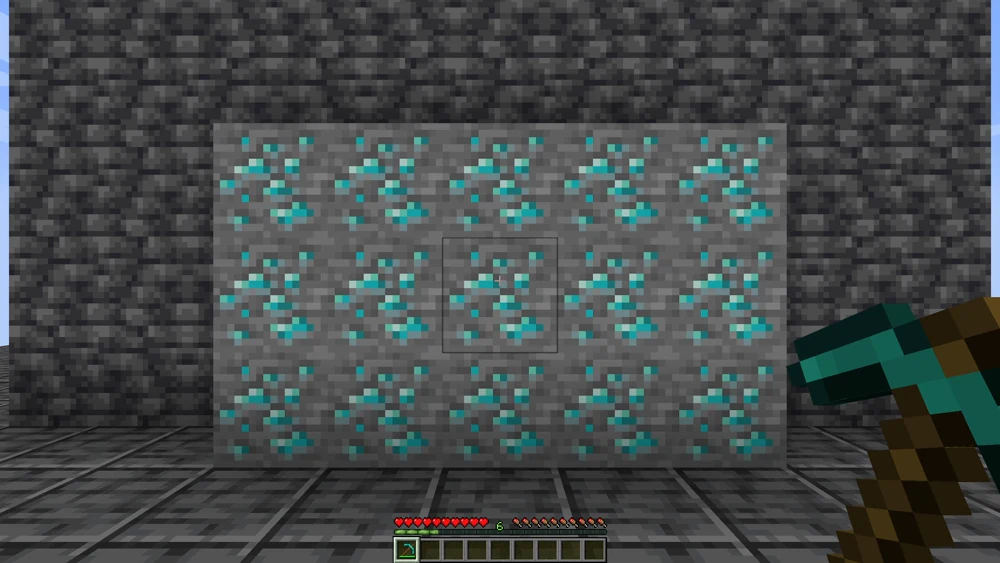
Earlier Paper 1.21.1 test with the 2.x release: a manageable ore group for comparison before mining.

The capture shows the triggered chain. It measures neither tick load nor tool costs of your current configuration.
Check whether the enabled tool wear fits the expected survival rule. Tool, enchantments, group rules and version can influence the result. Do not blanket-promise one durability point per removed block. Do not simply turn off wear on a hunch just because a chain turns out larger than expected; correct the chain length and groups first.
The current configuration code of the project names the tool option decreaseDurability; older documentation calls it durabilityDecrease. Use the name that your installed release actually offers. In the checked process, the MCF preset does not explicitly set this option.
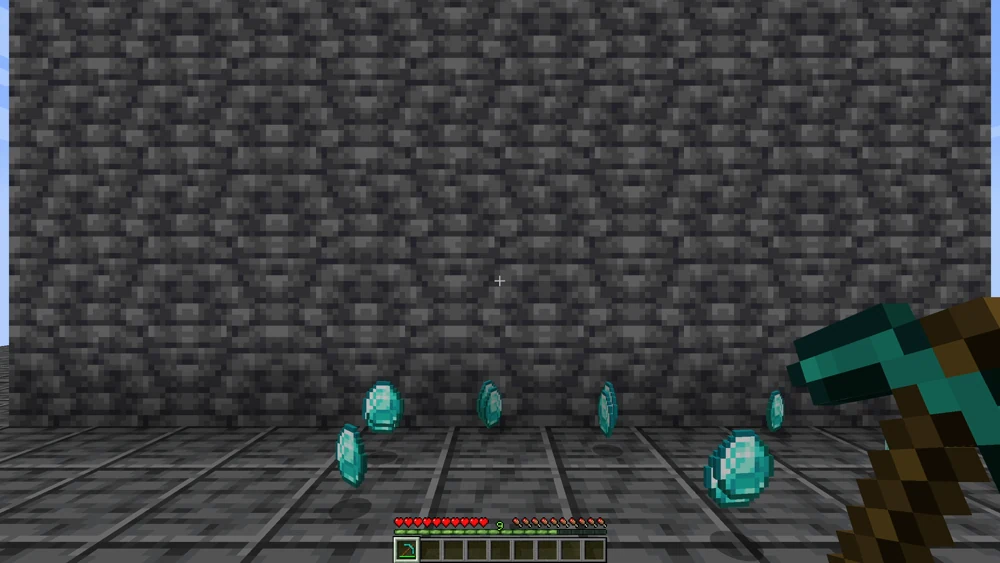
Compare the starting condition, drops and tool in your own small test. No guaranteed yield follows from these images.
If Something Works Differently Than Agreed
If only one block is mined despite sneaking, first check the project, version, suitable tool type, block group, cooldown and permission. Do not hand out OP as a first measure. If the chain captures unwanted blocks, pause the attempt and check the block groups and search radius.
Under high load, reduce the chain length and test a small action again. Chains triggered at the same time and drops left lying around can create different conditions than your first individual test. If the rules cannot be implemented reliably, turn the feature off for the group for now and restore the backed-up configuration state; for unexpected large world changes, only a full world backup helps, because the configuration backup does not undo mined blocks.
After every change of the MCF preset, check the access restriction again. Player roles and a whitelist are separate things: the whitelist decides who can join, while VeinMiner permissions govern a feature after joining.
FAQ
Does everyone need a client mod?
The basic Paper plugin function described here requires no client mod of its own. Other variants and additional client features may have different requirements.
Why can everyone suddenly use VeinMiner after a preset?
Both checked MCF presets set permissionRestricted to false. Enable the restriction again afterwards if only selected player accounts should have access.
Is the small chain of 16 blocks a tested free-tier limit?
No. It is a manageable starting value of its own for your trial. The actual load depends on the world, version, extensions and simultaneous play.
Does VeinMiner always mine only the same ore?
That depends on the block groups and other settings. Check your actual group on a small mixed test area before mining extensive deposits.
Does the same command apply to the old datapack?
No. For the older 1.x datapack path, the MCF wizard shows /function veinminer:_config. Do not blindly transfer the 2.x plugin commands to it.
Why doesn't more RAM automatically help against every mining delay?
Additional resources do not fix wrong groups, permissions or tool rules. First check the specific action and its load; the free-tier scope remains limited.
VeinMiner: view an example
Our own captures from a demonstration environment. The version and setup shown may differ from your server.
- One diamond vein, one pickaxe.
- One block is mined. The whole vein follows.
- The drops lie collected in front of you.
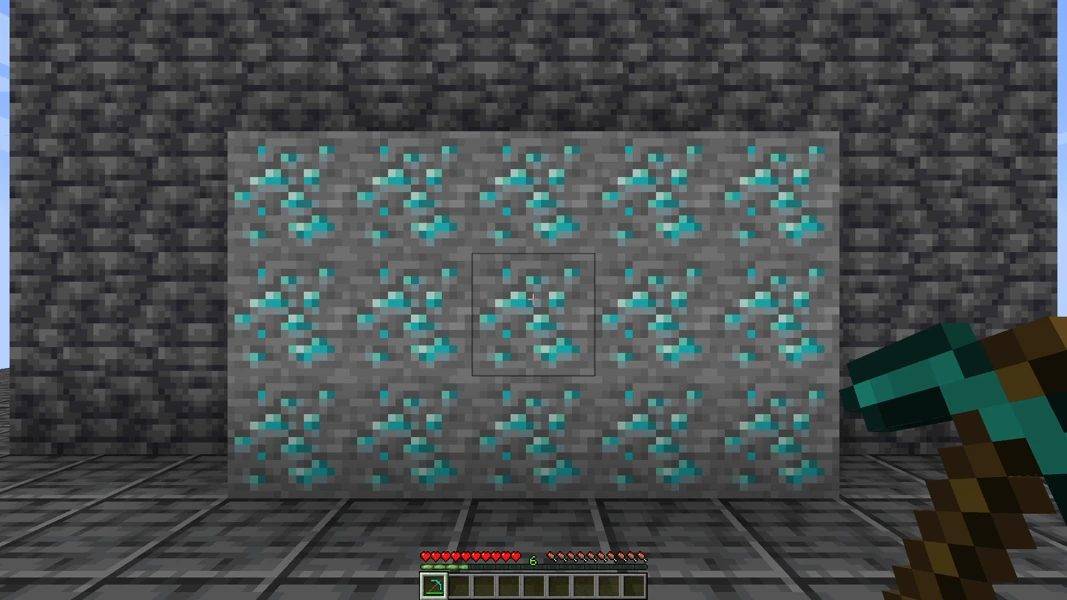
VeinMiner 2.4.4 · Paper 1.21.1 · 2026-09-14

VeinMiner 2.4.4 · Paper 1.21.1 · 2026-09-14
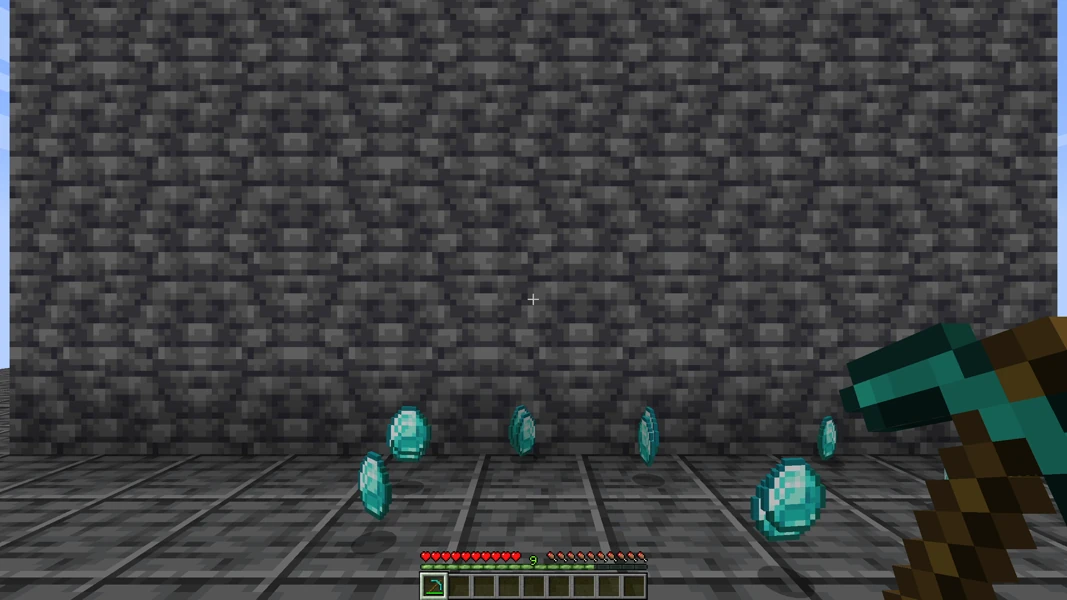
VeinMiner 2.4.4 · Paper 1.21.1 · 2026-09-14