With WorldEdit you can change an area of your Minecraft world in a single action. For a small group of friends, sensible use starts with an empty test area: read the selection, run a manageable change and check the way back right away. That way you learn how it behaves before a shared house is affected.
This guide uses a small Paper build test. It promises neither a rebuild in seconds nor a guaranteed free upper limit. The 2 GB of RAM of the tested MCF Free plan is no free pass for large selections. Even a chosen block limit does not tell you how fast the respective operation runs.
Checked: October 7, 2026. The images come from an earlier test with Paper 1.21.4 and WorldEdit 7.3.9. For your specific combination, check the current installation, settings and effect yourselves.
Agree on a Small Building Project
First pick an empty section where nothing valuable stands. Decide who runs the operation and which change is expected. The other friends do not change this area during the test. A shared project stays clearer if one account carries out the individual step first.
Back up your save before the rebuild, independently of the WorldEdit history. A saved game also helps if a server start fails or world files get damaged. //undo has a narrower job and does not replace this backup. Also make sure you have opened the right world; the same coordinates in two worlds mean different places.
| Decision | For the first test |
|---|---|
| Build site | Empty test area, no chests, liquids or redstone contraption |
| Executing account | One agreed building helper with targeted permissions |
| Change | A small, simple block fill |
| Conclusion | Check the way back, and only then plan a larger project |
Check the Matching Version and Permissions
For the Paper setup, install the matching plugin version in the plugin section and restart the server in an orderly way. /worldedit version shows the loaded version. Also check the startup log; a file being present is not proof that the plugin loaded successfully.
Commands require Minecraft in-game permissions. Regular players need neither WorldEdit administration nor panel access to join. If a friend is supposed to build, give them the specific functions they need and test these without OP. The WorldEdit permissions overview helps you compare against the installed version.
The tested MCF world protection assistant can give a group worldedit.*. That is a broad grant and not a building role limited to this small test. Check the selected group name and the actual scope instead of casually enabling the default group. The guide LuckPerms for Friends separates in-game groups from panel co-managers.
Check the Selection Before the Change
A normal cuboid selection includes both corner blocks. Two points that are two coordinate steps apart on every axis therefore result in a 3 × 3 × 3 area with 27 blocks. That is a volume calculation, not a performance forecast.
For your empty test area you can use //pos1 and //pos2 in the game at the agreed spots. Then you check:
//size
//limit 1000
The limit value 1.000 is just a small example value of our own here. It applies to the session in question and must be compatible with the configured server maximum and your permissions. It is neither a measured MCF limit nor a permanent safeguard for all other accounts.
The selection documentation describes the available selection methods. Have an ambiguous selection set again. Do not extend it to the entire world height with //expand vert for a small build test. An area planned in two dimensions would then contain a great many additional blocks.
Place and Undo Immediately
Only once size and target are right does the agreed account run a simple fill:
//set gold_block
Read the message and look at the area that was actually changed. If the world, scope or result is not right, do not immediately run another large operation. Check the small step first.
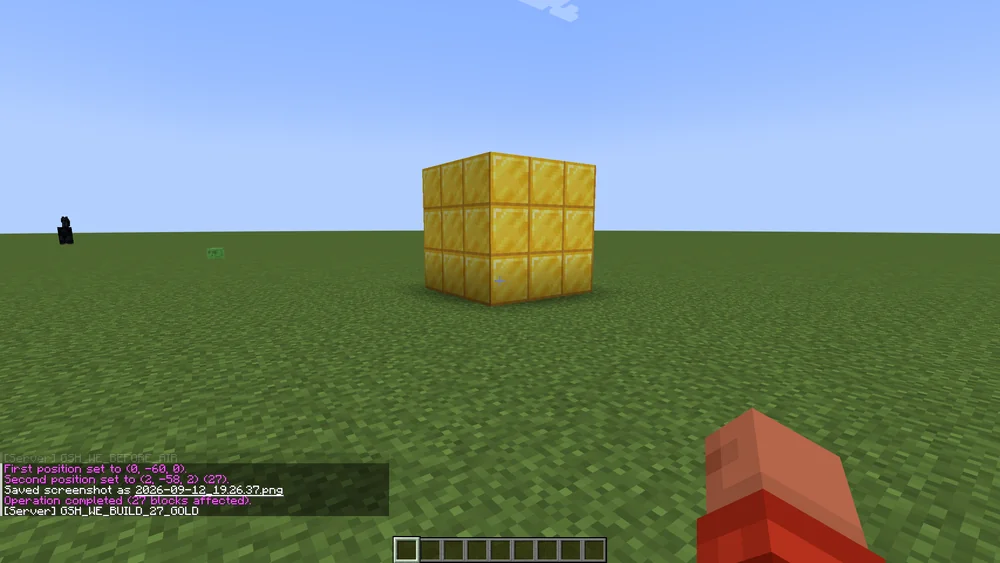
Earlier demonstration: corner points 0/−60/0 and 2/−58/2, 27 changed blocks. Do not copy these coordinates into your existing world; choose your own empty test area.
In the same account, you then undo the test:
//undo
Check the area in the game. If you deliberately want to run the step again, WorldEdit also offers //redo. The command reference describes syntax and required permissions. The check only ends when the actual result matches the expected change.

The message documents this single test. It says nothing about the runtime of a larger selection.
What Undo Does Not Reliably Replace
The WorldEdit history documentation distinguishes direct changes from side effects. Flowing water or attached blocks that drop off are not fully captured in the history the way the direct fill is. That is why the first test uses simple blocks without such environmental effects.
The available history depends on the session and configuration and is limited; by default, WorldEdit keeps 15 actions. For a later rebuild, do not rely on the right step still being available after a longer interruption or a restart. Back up an independent state before the project.
By default, //undo works with your own session. With the appropriate permissions, the current documentation also allows undoing other people's WorldEdit actions (//undo <count> <player name>), but only as long as their history is available; it is not a permanent change log. This does not imply a general permission for every account or every older version. For this small group, the executing account remains responsible for its own immediately checked step. Changes from normal gameplay and documented damage are handled separately, for example with CoreProtect.
Carry Out the Shared Rebuild in Stages
If the test goes well, plan a manageable next section. Do not immediately copy a huge structure with unknown contents. Before each step, read the selection and the expected change again, and note which section is currently being worked on.
If there is a noticeable delay or error messages, wait for the server state to settle. Do not send several undo commands afterwards on suspicion: once the server processes them, they may undo more steps than planned. After an error, check the current world state and the backed-up way back before you run further operations.
If you later want to protect an area against changes by other players, WorldGuard takes care of that. Placing a structure with WorldEdit and protecting its use are different tasks.
FAQ
Does every player need WorldEdit?
For this Paper plugin workflow, regular players do not need a client mod of their own. Only the executing player account needs the intended command permissions.
Is the example limit of 1.000 a guaranteed Free capacity?
No. It is a small limit of our own for the test. Runtime and load depend on the operation, world and extensions; the server may set a lower maximum.
Why does a short stretch show 27 blocks?
With a cuboid selection, both corner blocks count. Three blocks per axis result in 3 × 3 × 3 = 27. Check the actual selection type and the output of //size.
Can another building helper undo my WorldEdit action?
The current documentation provides for this with suitable permissions, but only as long as the other account's history is still available. Check the version and permissions. For your first test, the executing account undoes its own step immediately.
Is the complete old state guaranteed to be back after Undo?
No. Side effects such as flowing liquids can lie outside the directly recorded history. The independently backed-up world state remains necessary.
Why can't I build in the protected spawn anyway?
Building tool and region protection are separate permissions. Check your WorldGuard membership and other protection rules; a WorldEdit wildcard is not a clean substitute for a missing region permission.
WorldEdit: view an example
Our own captures from a demonstration environment. The version and setup shown may differ from your server.
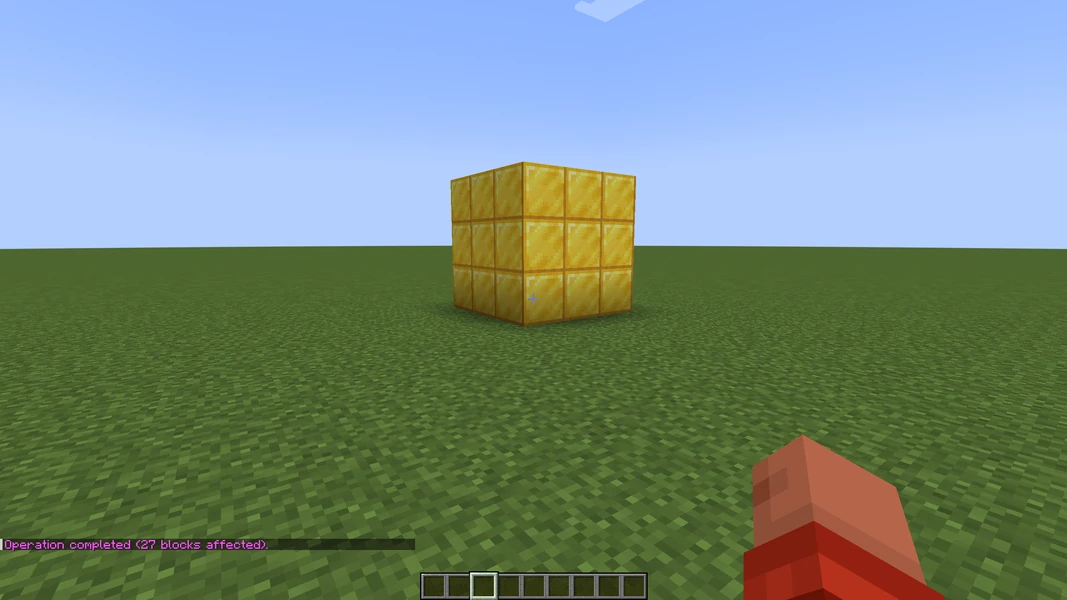
"7.3.9+6959-7adf70b"
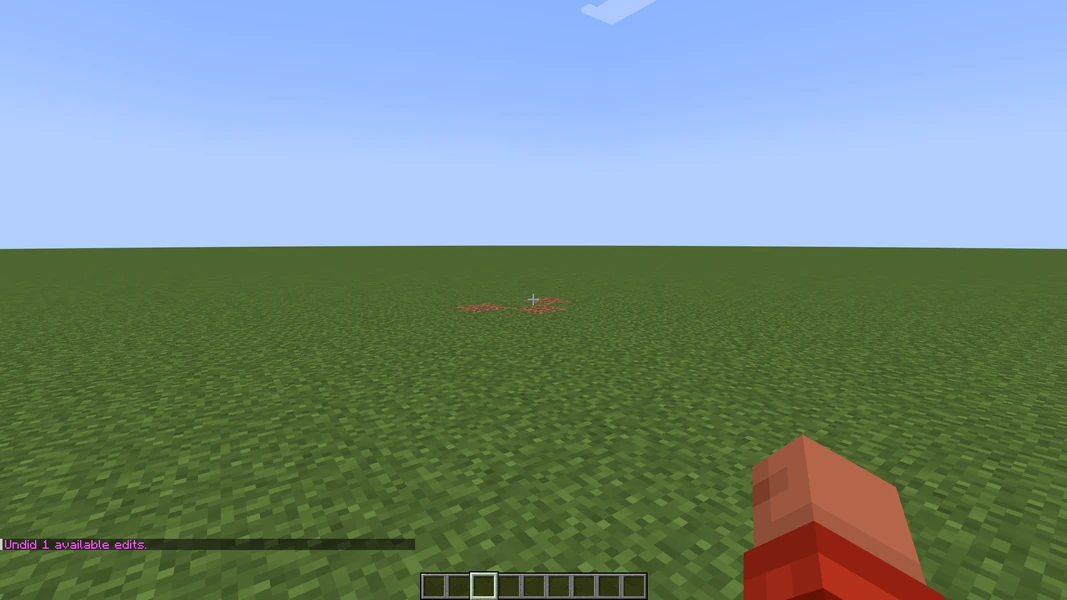
"7.3.9+6959-7adf70b"